Cash App Hacked? What to Do Now to Secure Your Account
Cash App hacked? Secure the email and phone your sign-in codes go to, change your PIN, lock your Cash Card, report payments you didn't make in the app and call your bank.
 By Editorial Team
9 min read
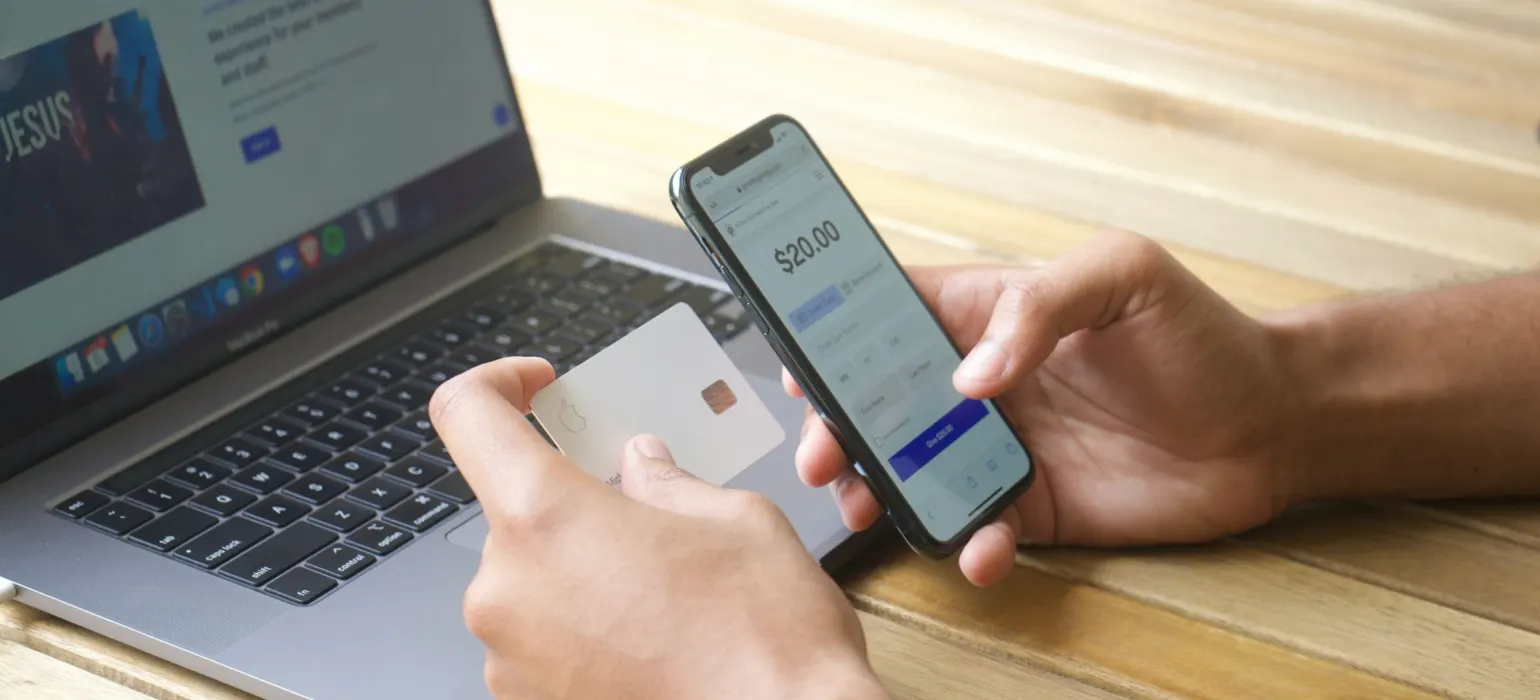
If your Cash App was hacked, secure the email address and phone number your sign-in codes go to, then open the official app, change your PIN, turn on the security lock and lock your Cash Card. Report every payment you didn’t make through the support section inside the app or on Cash App’s official website, remove any bank or card you don’t recognize, and call your bank or card issuer using the number on your card.
Cash App works a little differently from most accounts, which changes where the risk sits. This guide explains how, then walks through the steps in order, the checks to make once you’re back in, and the fake support scams that target people in exactly this situation.
Why your email and phone matter so much on Cash App
Many people sign in to Cash App with a one-time code sent to their phone number or email, rather than a traditional password. That’s convenient, but it means anyone who controls your phone number or inbox can often receive the code and get in.
So the two things to protect first are your email account and your mobile number. Your Cash App PIN, and the lock on your phone itself, are the next layers. An attacker who has your unlocked phone, or who tricked you into reading out a code, may not need anything else.
Signs your Cash App account has been hacked
- Payments or transfers you didn’t make, including cash outs to a bank or card you don’t recognize.
- Cash Card purchases you didn’t make, online or in stores.
- Sign-in codes arriving that you didn’t request. Someone may be trying to get into the account.
- A changed email, phone number, $Cashtag or PIN that you didn’t change.
- Bitcoin or stock holdings sold or sent, if you use those features.
- Friends asking about requests or messages that came from your account.
Step 1: Secure your email and phone number
- Your email account: change the password, turn on two-step verification, sign out of other sessions and delete any forwarding rules or filters you didn’t create. Our guide for when an email account is hacked covers each major provider.
- Your phone number: if your phone suddenly shows no signal, call your carrier from another phone straight away. A SIM swap sends your texts, including sign-in codes, to someone else. Ask the carrier to add an account PIN or port-out protection.
- Your phone itself: set a strong passcode if you don’t have one. If you think the phone may be compromised, our guide on what to do if your phone has been hacked explains the checks.
Step 2: Lock down Cash App
If you can still open the app, go to the privacy and security settings and work through these.
- Change your PIN to one that isn’t your birthday, your card PIN or anything someone could guess.
- Turn on the security lock, so payments need your PIN or your phone’s face or fingerprint check.
- Lock your Cash Card from the card section of the app if you see purchases you didn’t make. You can turn it back on later or order a replacement.
- Check the email addresses and phone numbers on the account. Remove any that aren’t yours.
- Review linked banks and cards. Remove anything you don’t recognize.
- Turn on notifications for every payment and sign-in, so you see new activity straight away.
If you can’t get in, try signing in with your own email or phone number to receive a fresh code. If the attacker has changed those, contact Cash App support through its official website and explain that your account was taken over. Support will ask you to verify your identity through its own process. Recovery through Cash App is free.
Step 3: Check what the attacker touched
| Area | What to look for | What to do |
|---|---|---|
| Activity | Payments, requests and cash outs you didn’t make | Screenshot each with the date, amount and recipient |
| Cash Card | Purchases or ATM withdrawals you didn’t make | Lock the card, report the charges, order a new card |
| Linked banks and cards | New ones added, or yours removed | Remove unknown ones; tell your bank about any that were used |
| Bitcoin and stocks | Sales, withdrawals or transfers you didn’t make | Screenshot and include them in your report |
| Direct deposit | Changes to where your paycheck goes, or a new employer set up | Check with your employer’s payroll team using contact details you already have |
| Profile | Changed name, $Cashtag or photo | Restore your own details |
Step 4: Report unauthorized payments and contact your bank
Report each payment or card charge you didn’t make through the support section in the app, choosing the option for unauthorized activity or a compromised account. Keep it factual: what happened, when you noticed and which transactions weren’t you.
Then call your bank or card issuer, using the number on the back of your card or its official app. Tell them which transfers from your linked account or card were unauthorized. Ask whether they recommend a new card and whether to add monitoring. In the US, federal rules on electronic fund transfers generally favor people who report unauthorized transfers quickly, so report as soon as you can.
One honest caveat. If you sent money yourself because a scammer talked you into it, that is usually treated differently from a payment you never made. Cash App payments are meant for people you know, and money sent to a scammer is often hard to reverse once it has gone. Report it to Cash App and your bank anyway, and file a report with the FTC at ReportFraud.ftc.gov. Just don’t assume you’ll be refunded.
Step 5: Check beyond Cash App
- Change reused passwords, especially on the email account tied to Cash App and on other payment apps. If you also use PayPal, our guide for a PayPal account hacked covers those checks.
- Warn friends who got payment requests from you, by call or text rather than through the app.
- Watch for identity misuse. If you verified your identity on Cash App, the account may hold your date of birth and part of your Social Security number. If you see accounts or credit opened in your name, report it at IdentityTheft.gov and consider a free credit freeze. Our guide on identity theft recovery covers the full sequence.
Not sure where to start?
Get a free audit of your search results and review profiles, with a prioritized fix list.
Get a free auditA worked example
This scenario is illustrative, not a real client. Darnell posts on social media asking why a Cash App payment failed. Within minutes, an account called “Cash App Support Team” replies and gives him a phone number. The person on the call says they need to “verify” him and asks him to read out the code that has just arrived by text. He does. That evening, his balance is sent to a stranger and his Cash Card is used online.
- He locks his Cash Card in the app immediately.
- He changes his email password and turns on two-step verification, then calls his carrier to add a PIN to his mobile account.
- In Cash App, he changes his PIN, turns on the security lock and removes an email address he doesn’t recognize.
- He reports the payment and the card charges through the support section of the app, attaching screenshots of the fake support reply and the call log.
- He calls his bank about a transfer that came from his linked debit card, and files a report at ReportFraud.ftc.gov.
The fake support account was the whole attack. Real support can be reached from inside the app, and nobody from Cash App needed his code.
Scams to watch for after a Cash App hack
- Fake support lines and accounts in search results, social replies and texts. Only use the app or the official website.
- “Accidental” payments. A stranger sends you money and asks for it back. If their payment came from a stolen card, it can be reversed and you lose the money you sent. Contact Cash App instead.
- “Flipping” and giveaway scams that promise to turn a small payment into a large one. They take the payment and disappear.
- Recovery services that offer to get your account or money back for a fee. Recovery only happens through Cash App and your bank, and these offers are almost always a second scam.
- Marketplace payments to strangers. Our guide to Facebook Marketplace scams explains why paying unknown sellers by payment app is risky.
Common mistakes
- Sharing a sign-in code “to verify” your account. A code is only for the screen you’re signing in on.
- Securing Cash App but not your phone number. The attacker can receive a fresh code and get back in.
- Leaving the Cash Card unlocked while you investigate.
- Waiting to report. Delays weaken your position with Cash App and your bank.
- Using a PIN that matches your card PIN or birthday.
How to keep Cash App secure
- Keep the security lock on and use a PIN you don’t use anywhere else.
- Protect your mobile number with a carrier PIN and your email with two-step verification.
- Lock your Cash Card when you’re not using it, if that suits how you spend.
- Only send money to people you know and have confirmed outside the app.
- Check whether your email appears in known breaches with Have I Been Pwned.
- If you no longer want the account, close it once everything is resolved. Our guide on how to delete a Cash App account explains how.
For the checklist that works on every platform, see our hub on what to do when your account was hacked. If the takeover left messages or posts tied to your name that are hurting your reputation, our personal reputation management team can help.
Frequently asked questions
How do I contact Cash App support if I've been hacked?
Use the support section inside the Cash App app, or Cash App’s official website typed into your browser. Don’t use phone numbers or accounts found in search ads, social media replies or texts, because fake support is one of the most common Cash App scams.
Will Cash App refund money stolen from my account?
It depends on what happened and Cash App’s terms. Payments you didn’t make are handled differently from payments you were tricked into sending. Report unauthorized activity in the app quickly, contact your bank, and keep screenshots of every transaction.
How did someone get into my Cash App?
The most common routes are a sign-in code shared with a fake support agent or phishing page, a SIM swap that redirects your texts, access to your email, or someone using your unlocked phone. Knowing which one tells you what to secure.
Should I lock my Cash Card if my account was hacked?
Yes, if you see any purchases you didn’t make or you’re not sure yet. Locking the card in the app stops new card purchases while you investigate, and you can order a replacement if the card details were exposed.


