Google Pay Scams: Payment Requests, Fake Alerts and Stolen Codes
A Google Pay scam uses fake payment requests, fake alerts or a stolen verification code to take your money or add your card to a criminal's phone. Here's how to spot one and what to do now.
 By Editorial Team
10 min read
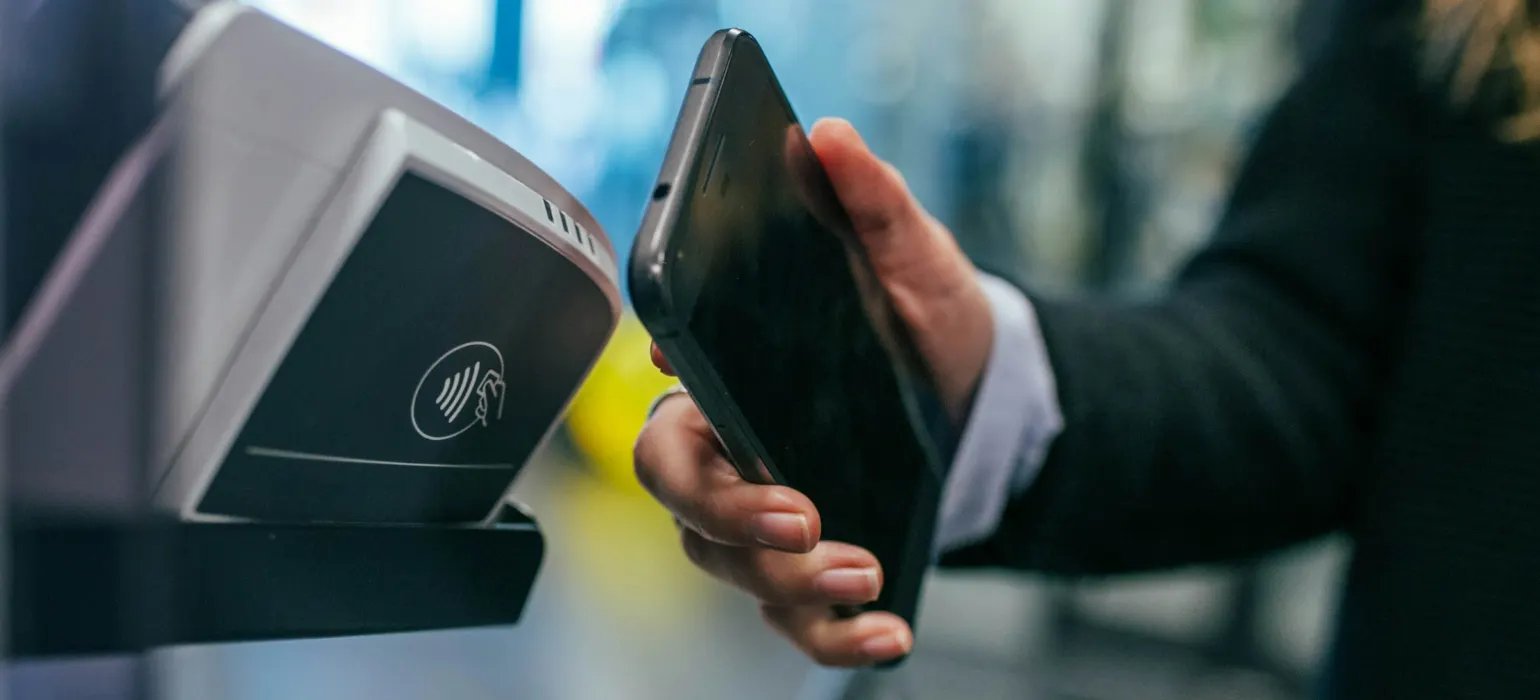
A Google Pay scam is any scam that uses Google Pay or Google Wallet to take your money or your card: a payment request dressed up as money coming to you, a fake alert saying your account is suspended or a payment is waiting, or a caller who tricks you into reading out a verification code that adds your card to their phone. Money sent directly to another person is usually hard to reverse, so the key rule is simple. Never approve a payment or enter a PIN to “receive” money, and never share a code, whoever asks.
How Google Pay works depends on where you live. In many countries, including the US, UK, Canada, Australia and Singapore, it’s mainly a wallet for paying in stores and online with your card. In some countries, such as India, it’s also used to send and request money directly between people. Scams follow the features, so this guide covers both.
How Google Pay scams work
Most Google Pay scams depend on one of three things:
- Confusion between sending and receiving. A payment request can look like an incoming payment, and entering your PIN or approving it sends money instead.
- A code that isn’t what you’re told it is. Banks send one-time codes to confirm actions, including adding your card to a phone wallet. Scammers ask for that code while pretending it’s for something else.
- Trust in a familiar name. Messages and calls use Google’s branding, or your bank’s, to make a request feel routine.
Common Google Pay scams
Payment-request scams
Where Google Pay supports requesting money, a scammer sends a request, often during a marketplace sale or a “refund”, and tells you to approve it to receive your money. In India’s UPI system, for example, you only need your UPI PIN to send money, never to receive it. If anyone asks you to enter your PIN or approve a request so that money can come to you, it’s a scam.
Some versions send a small request first to “test” the connection, or describe the request as a cashback, prize or refund. Scammers may also send a QR code and say scanning it will pay you; scanning a payment code usually pays them. Our guide to QR code scams explains why.
“Add your card” and verification code scams
A caller claiming to be from your bank’s fraud team, a delivery firm or a store says they need to “verify” you or “stop a suspicious payment”, and asks you to read out a code that has just arrived by text. That code is often the one your bank sends to confirm adding your card to a new digital wallet. Once you share it, your card works on the scammer’s phone, and they can tap to pay in shops until you cancel the card.
The same trick is used with other wallets; our guide to Apple Pay scams covers the iPhone version. Card issuers’ names are used in the same way, as our American Express scam guide shows.
Fake alerts and “account suspended” messages
A text, email or notification says your Google Pay account is locked, a payment failed or a reward is waiting, with a link to “restore access” or “claim”. The link leads to a fake Google sign-in or card page. Your Google account is valuable to criminals because it can open the door to your email, saved passwords and wallet. If that happens, see our guide on what to do if your Google account is hacked.
Fake payment screenshots
A buyer sends a screenshot showing a Google Pay payment to you and wants the item or a “refund of the extra” straight away. Screenshots are easy to fake. Only trust money you can see in your own bank account or app.
Fake customer support
Someone searching for “Google Pay helpline” finds a number in an ad, a comment or a fake listing. The “agent” asks for your PIN, codes or card details, or asks you to install a screen-sharing app. Get help only through the official app’s help section or Google’s official support pages, which you reach by typing the address yourself.
Refund and overpayment tricks
A caller says you were overcharged or are owed a refund and walks you through the app “to receive it”, which ends with you sending money. Genuine refunds come back the way you paid; they don’t need you to take any action in a payment app.
Warning signs of a Google Pay scam
- Being asked to enter your PIN, scan a code or approve a request in order to receive money
- Anyone asking you to read out or forward a one-time code
- An “account suspended” or “payment failed” message with a link instead of a prompt to open the app
- A web address that isn’t Google’s official domain
- A buyer who pays by screenshot and pressures you to hand over goods or send back an “overpayment”
- A support number found in an ad or a forum rather than on Google’s official site
- A request to install a screen-sharing or remote-access app
- Urgency: act now, or your account, card or refund will be lost
What to do right now
- Stop contact. End the call or chat and don’t approve anything else.
- Call your bank or card issuer using the number on the back of your card or in its official app. Tell them what happened, ask them to block the card and remove it from any wallets you don’t recognize, and issue a new one.
- Check your wallet and Google account. Open the official app, review recent activity and your list of cards, and remove anything unfamiliar.
- Secure your Google account. Change your password, turn on two-step verification and review the devices signed in to your account. Sign out any you don’t recognize.
- Report the payment in the app if you sent money directly to someone, and to your bank at the same time.
- Save evidence: screenshots of messages, requests, the sender’s details and transaction references.
If your phone itself may be compromised, for example because you installed a screen-sharing app during the call, our guide on what to do if your phone has been hacked covers the next steps.
Can you get your money back?
| How the money left | What usually happens |
|---|---|
| Tap or online payment with your card through Google Pay | The payment runs on your card, so your card issuer handles disputes and fraud. Report quickly; unauthorized card payments are often refunded, but it depends on the issuer and the circumstances. |
| Your card was added to a scammer’s wallet | Treat it as card fraud. Your bank can cancel the card, which stops further payments, and review what was spent. |
| A direct transfer you approved yourself, such as a UPI payment | Usually hard to reverse, because you authorized it. Report it to your bank and the app straight away; sometimes funds can be traced or frozen if you act fast. |
| Gift cards, crypto or wire transfers | Often impossible to recover, but report anyway. |
In the UK, if a bank transfer was involved, many victims of authorized push payment scams can be reimbursed under rules introduced in October 2024, with exceptions; the Financial Ombudsman Service handles complaints if your bank refuses. Be cautious of anyone offering to recover your money for a fee. Our guide to recovery scams explains why that’s usually a second scam.
A worked example
This is an illustrative scenario, not a real client.
Mei gets a call that shows her bank’s name. The caller says a suspicious online purchase is being made on her card and he needs to “cancel it”. A text arrives with a code, and he asks her to read it back to confirm the cancellation.
- She reads the text again. It says the code is to add her card to a digital wallet and not to share it with anyone.
- She hangs up without reading it out.
- She calls her bank on the number on the back of her card. The bank confirms there was no fraud alert and that someone had tried to add her card to a new device.
- The bank blocks the card as a precaution and sends a replacement.
- She reports the call through her country’s scam reporting route and tells her family what happened.
Reading the full text message, not just the number, is what gave the scam away. If she had shared the code, calling the bank quickly would still have been the right move.
Not sure where to start?
Get a free audit of your search results and review profiles, with a prioritized fix list.
Get a free auditWhere to report a Google Pay scam
- Google, through the official app’s help and reporting options or Google’s official support site.
- Your bank or card issuer, on the number on your card, straight away.
- United States: ReportFraud.ftc.gov, the FBI’s IC3 at ic3.gov if you lost money, IdentityTheft.gov if your identity was misused, and scam texts to 7726.
- United Kingdom: Report Fraud at reportfraud.police.uk, which replaced Action Fraud (see our guide on reporting to Report Fraud); Police Scotland on 101; call 159 to reach many banks; texts to 7726 and emails to [email protected].
- Australia: Scamwatch and ReportCyber; IDCARE for identity support.
- Canada: the Canadian Anti-Fraud Centre and local police; texts to 7726.
- Singapore: ScamShield (helpline 1799) and a police report.
- India: the National Cyber Crime Reporting Portal at cybercrime.gov.in, or the 1930 helpline, as soon as possible after a UPI loss.
Our hub on how to report a scammer explains what each route does.
Common mistakes to avoid
- Entering your PIN to “accept” money. Receiving money doesn’t need your PIN.
- Reading out a code because the caller ID looks like your bank. Caller ID can be faked; our guide to vishing explains how.
- Trusting a payment screenshot instead of your own balance.
- Calling a helpline from search ads or social media comments.
- Installing a screen-sharing app for someone who called you.
- Waiting to report. The sooner your bank knows, the more it can do.
How to protect yourself next time
- Read every payment screen before approving, and check whether you’re sending or receiving.
- Read the whole text when a code arrives. It usually says what the code is for.
- Keep a screen lock on your phone and turn on two-step verification for your Google account.
- Turn on transaction alerts from your bank, so you see wallet payments as they happen.
- For marketplace sales, only hand over goods once money is visible in your own account. Our guide to Facebook Marketplace scams covers buyer tricks in more detail.
- Talk to older relatives about code-sharing calls. They’re a common target, and knowing the pattern is often enough.
If scammers are using your name or business to take payments from others, see our guide to online impersonation. Our personal reputation management team can help if it’s affecting what people find about you online.
Frequently asked questions
Can someone scam you through Google Pay?
Yes. The most common tricks are payment requests disguised as incoming money, fake alerts with phishing links, and callers who ask for a verification code that adds your card to their phone. Google Pay itself isn’t the problem; the scam relies on you approving something or sharing a code.
Do I need a PIN to receive money on Google Pay?
No. Where Google Pay supports person-to-person payments, such as UPI in India, a PIN is needed only to send money. Anyone asking you to enter a PIN or approve a request so you can receive money is scamming you.
Can I get money back from a Google Pay scam?
If the payment was made with your card, your card issuer can review it and may refund unauthorized charges. Direct transfers you approved yourself are usually hard to reverse, so report to your bank and the app straight away.
Is a text saying my Google Pay account is suspended real?
Treat it as suspicious. Don’t use the link. Open the official app or type Google’s website address yourself and check your account there. If there’s no problem shown, delete the message and report it.
What if I shared a code with a caller?
Call your bank on the number on your card immediately and tell them. Ask them to block the card, remove it from any unfamiliar wallets and review recent payments. Then secure your Google account.


