How to Blur Your House on Google Street View (and Apple Maps)
How to ask Google to blur your home, face or car in Street View, how to make the same request for Apple Maps Look Around, and what else still exposes your address.
 By Editorial Team
8 min read
By Editorial Team
8 min read
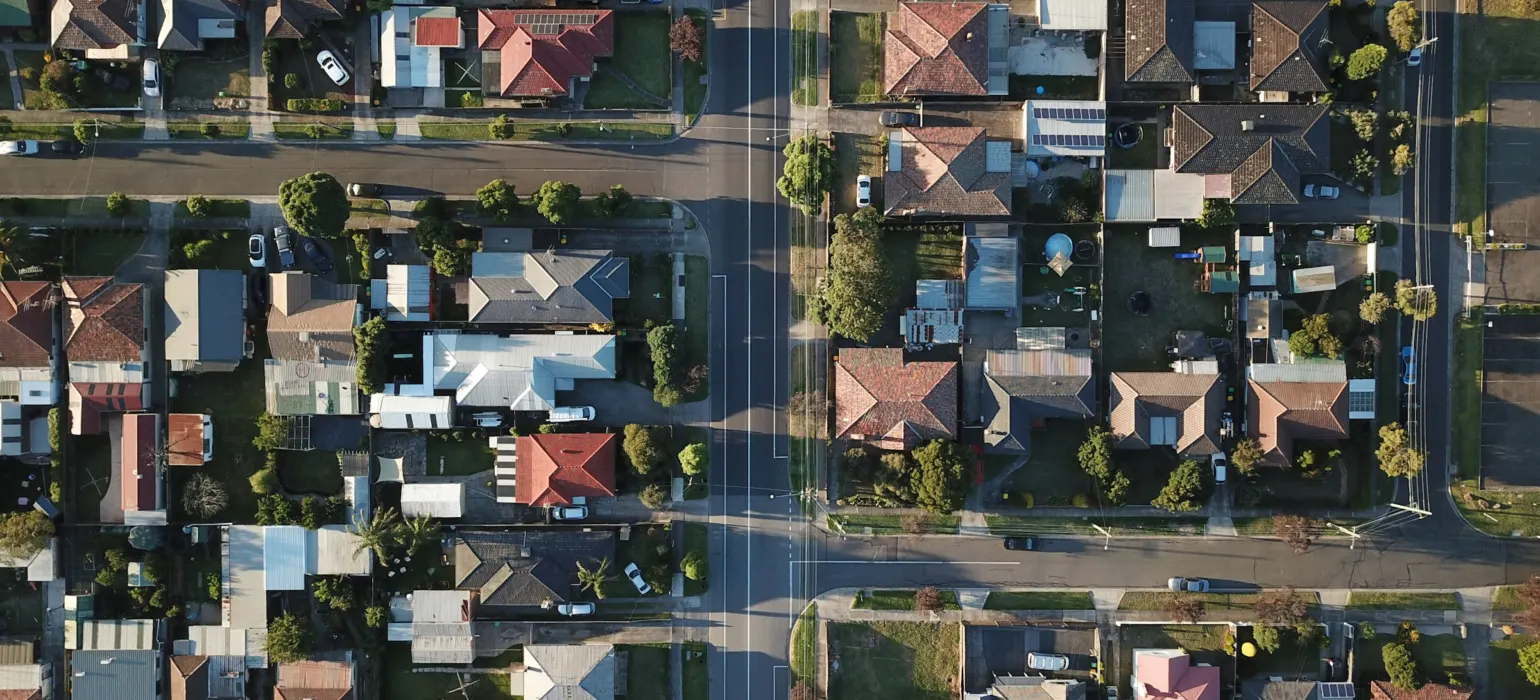
To blur your house on Google Street View, open your home in Street View on Google Maps, click “Report a problem” in the bottom corner, frame your house in the preview, choose to blur your home, and submit the form. In the US, Google asks the homeowner or tenant to certify they’re eligible and upload proof of address. Once Google applies a blur, it’s permanent and can’t be undone.
The same “Report a problem” form covers faces, cars and license plates. Apple Maps has an equivalent process for its Look Around imagery, which runs by email. Both are covered below, along with the other places your address is probably still visible.
Why people blur their homes
Street View shows a clear, dated picture of your front door, driveway, cars and sometimes the people in your yard. For most people that’s harmless. For some it isn’t:
- You’ve been doxxed, harassed or stalked, and someone has posted your address online.
- You’re a public figure, executive, judge, doctor or journalist who attracts attention you don’t want at home.
- You’re leaving an abusive relationship and want to make your new home harder to identify.
- The image shows something private: a child’s bedroom window, your car’s plate, a security setup, or you standing in the driveway.
- You simply don’t want a picture of your home available to anyone with a browser.
Google already blurs faces and license plates automatically in its own Street View imagery using detection technology. It doesn’t blur houses by default, and automatic blurring can miss things, which is why the request form exists.
How to blur your house on Google Street View, step by step
Google’s help pages describe the same process on a computer and in the Google Maps app. Many people find it easier on a computer, where the preview is larger.
- Find your home on Google Maps. Search your address, then drag the Street View figure onto the street or click the Street View thumbnail.
- Get the right view. Move until your house is clearly in frame. If there are several capture dates, check the most recent one.
- Click “Report a problem”. It’s in the bottom right of the Street View image on a computer.
- Frame what you want blurred. Use the preview to center the red box on your house.
- Choose what to blur. Select your home. If you also need a face, a car or license plate, or another object blurred, say so and describe it.
- Confirm eligibility and add proof of address. Google says only the homeowner or tenant can request a house blur. For US addresses, it asks for a document showing the address, such as a utility bill, bank statement, lease, homeowners insurance or property tax record.
- Add details and submit. Give enough description for the reviewer to find exactly what you mean, such as “the white two-story house with the gray garage door, left of the red car.”
Google reviews the request, and you’ll typically get an email about it. Timing varies. After it’s applied, check the image yourself from a private window.
Preparing your proof of address
Google’s help page gives specific rules for the document, including how recent it must be, which file types and sizes it accepts, and what to leave out. In general, use a recent document that clearly shows your address, redact everything except the address and date, and don’t send handwritten documents or government IDs. Check the current rules on the form itself before you upload, since they can change.
Blurring a face, car or person
You don’t need to be the homeowner to ask Google to blur your own face or your car. Use the same “Report a problem” link, frame the person or vehicle in the preview, pick the matching reason, and describe what you want blurred. This is useful when automatic blurring missed a face, or when the car in your driveway is recognizable even with the plate blurred.
Street View also includes 360 photos uploaded by other people rather than captured by Google. Those can be reported in the same way from the image if they show your face, your home or other identifying information. Google says it reviews such reports against its Maps image and privacy policies, and once a photo is blurred and published, that blur can’t be removed.
How to blur your house on Apple Maps Look Around
Apple’s Look Around is its version of Street View. Apple says it blurs faces and license plates on images published in Look Around. Houses aren’t blurred by default.
- Find your home in Look Around in Apple Maps and note exactly how it appears.
- Email Apple at MapsImageCollection@apple.com, the address Apple lists on its Maps image collection page for requests to blur a face, license plate or your own house.
- Include your full address and a description of the property so the team can find it, such as the color, the number of floors and what is next to it.
Apple doesn’t publish a timeline for these requests. Check Look Around after a few weeks and follow up if nothing has changed.
Not sure where to start?
Get a free audit of your search results and review profiles, with a prioritized fix list.
Get a free auditA worked example
This is an illustrative scenario, not a real client. A family physician, “Dr. Lee”, receives threatening messages after a patient posts a hostile thread online that includes her home street.
- She files a Street View blur request for her house, uploading a recent utility bill with everything redacted except the address and date. She also asks for her car in the driveway to be blurred.
- She emails Apple the same day with her address and a description of the house for Look Around.
- She reports the thread to the platform for sharing personal information, and asks Google to remove results that show her home address.
- She works through people-search sites that list her address and submits opt-out requests.
- She checks whether her county’s property records site shows owners’ names, and looks into whether her state offers address confidentiality for people in her situation.
Several weeks later, both map images are blurred and most people-search listings are gone. Her name and address still appear in the county’s property records, which are public. The work reduced how easy she is to find. It didn’t make her untraceable, and she knows that.
What else exposes your address
Blurring your house removes one picture. It doesn’t hide where you live. In practice, these sources usually matter more:
| Source | What you can do |
|---|---|
| People-search and data broker sites | Submit opt-outs site by site, and recheck because listings often return. Our guide on removing yourself from people-search sites has the process. |
| Google search results showing your address | Use Google’s “Results about you” or personal information removal requests. See our guide on removing personal information from Google. |
| Property and tax records | Usually public by law. Some states and counties let certain people, such as survivors of abuse or some public officials, shield their records. Check with your county. |
| Real estate listing sites | Old listing photos, including interiors, can stay up after a sale. Ask the site or the listing agent about removing photos. |
| Your own posts | Photos with house numbers, street signs or location tags. Review and delete old posts and turn off location tagging. |
If your address has already been posted with hostile intent, treat it as doxxing rather than a privacy tidy-up. Our guide on what to do if you’ve been doxxed covers safety first, then evidence and removal. If you feel you are in danger, contact local police.
Limits to be aware of
- A blur doesn’t change satellite or aerial views. Your roof and yard can still be visible from above.
- New imagery gets captured. Check your home again when Google or Apple publishes new pictures of your street, and file again if anything is visible.
- Other people’s photos. A neighbor’s upload or a real estate photo can still show your home.
- A blurred house can stand out. On a street where nothing else is blurred, a blurred house is noticeable. For most people the trade-off is still worth it, but it’s a trade-off.
- No one can promise a result. Google and Apple decide each request. Help with preparing a request can make it clearer, but the decision is theirs.
If the Street View image is one piece of a wider problem with your name, address and search results, our personal reputation management service works through the removals and monitoring for you.
Frequently asked questions
Can I unblur my house on Google Street View?
No. Google says that once a blur request is applied, the blur is permanent. That includes future owners or tenants, so be sure before you submit.
Do I need to own the house to request a blur?
Google says only the homeowner or tenant is eligible to request a house blur, and in the US it asks for proof of address. Anyone can ask Google to blur their own face or car using the same Report a problem form.
How long does a Street View blur request take?
Google doesn’t publish a fixed timeline, and it varies from request to request. Check the image from a private window after you receive Google’s email.
Does blurring my house on Google also blur it on Apple Maps?
No. Google and Apple run separate imagery. For Apple Maps Look Around, email the address Apple lists for blur requests with your full address and a description of the property.