Amazon Scams: Fake Order Calls, Prime Renewals and Refund Tricks
The most common Amazon scams, from fake order confirmation calls and emails to Prime renewal messages, refund overpayment tricks and brushing packages, plus what to do right now and where to report.
 By Editorial Team
8 min read
By Editorial Team
8 min read
Most Amazon scams impersonate Amazon to make you panic about a purchase you didn’t make, then get you to pay, share card details or give remote access to your computer. The common versions are fake order confirmation calls, texts and emails, messages saying your Prime membership is about to renew or has a problem, fake refunds where the “agent” claims to have sent you too much, and brushing packages you never ordered. The safest check is simple: close the message, open the Amazon app or type Amazon’s address yourself, and look at Your Orders and your Prime settings. If nothing’s there, it was a scam.
These scams work because they sound routine and they arrive when you’re busy. If you’ve already engaged with one, you’re in large company, and there’s a clear set of steps to limit the damage.
What an Amazon scam is
An Amazon scam is any attempt to use Amazon’s name, logo or customer service style to trick you. The scammer isn’t Amazon and usually has no access to your account at first. What they want is for you to give them that access, pay them directly, or buy gift cards for them.
If someone has already got into your account and is placing orders or changing details, that’s a different problem. Our guide on what to do if your Amazon account is hacked covers securing and recovering it.
Common Amazon scams
Fake order confirmation calls, texts and emails
You get a call, text or email about an expensive order, often a phone or a gift card bundle, and told to press a key, call a number or click a link if you didn’t place it. The “fraud department” on the other end then asks you to confirm card details, sign in through a link, install an app so they can “fix” your account, or buy gift cards to “secure” your money. Our guides to phone scams (vishing) and how to spot a phishing email cover the wider patterns.
Prime renewal and membership scams
A message says your Prime membership will renew at a higher rate, has a payment problem, or has been charged by mistake. The goal is the same: get you on the phone or onto a fake sign-in page. Real Prime details, including your renewal date and payment method, are always visible in your account on Amazon’s own app or website.
Fake refund overpayment scams
A caller offering a refund, often for a “canceled order” or a “Prime overcharge”, asks you to sign in to your bank or install remote access software so they can process it. They then show you a balance that seems too high and say they refunded too much by mistake. They ask you to send the difference back, often in gift cards, crypto or a wire transfer. In reality, no refund was sent; they moved your own money between your accounts or edited what you see on screen.
Brushing packages
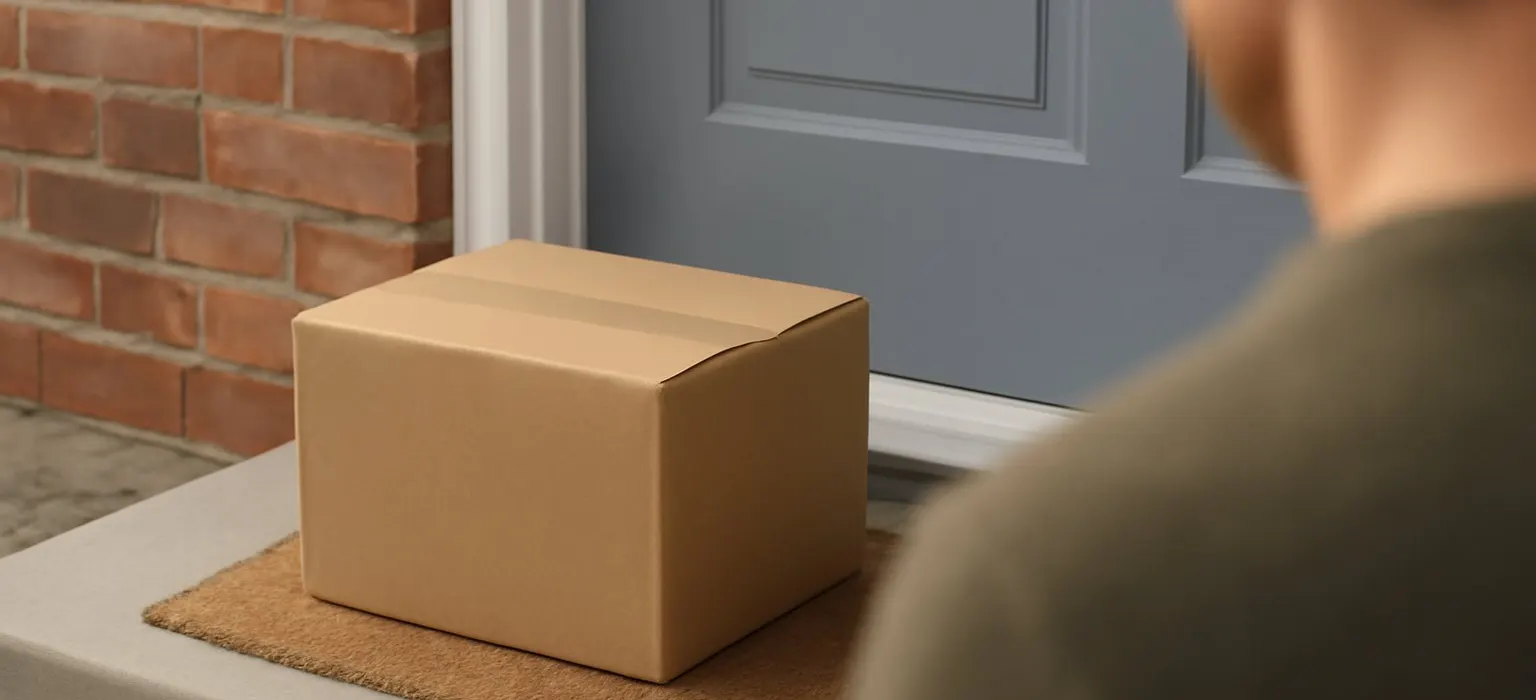
You receive a parcel you didn’t order, often cheap items, sometimes shipped to your name through Amazon. Brushing is usually done by sellers creating fake “verified” orders so they can post reviews. The package itself is typically harmless, and the FTC says you can keep merchandise you didn’t order. But it can mean someone has your name and address, and occasionally a package includes a QR code that leads to a phishing page. Our guide to QR code scams explains that risk.
Other Amazon-themed scams
- Fake delivery problem texts asking you to pay a small fee or confirm an address. See our package delivery scam guide.
- Fake Amazon jobs promising easy work-from-home tasks or product testing for a fee. See job scams.
- Fake gift card and prize offers that ask you to complete a survey and enter card details.
Warning signs of an Amazon scam
- Unexpected contact about an order or charge you don’t recognize, with pressure to act now.
- A request to pay with gift cards, crypto, wire transfer or a payment app.
- A request for remote access to your computer or phone, or to install an app.
- A link or phone number in the message rather than a prompt to check your account yourself.
- A “refund” that went wrong and needs you to send money back.
- Sender details that don’t match Amazon’s real domains, or a caller ID that just says “Amazon”.
What to do right now
- End the call or close the message. Don’t press keys, call back numbers or click links in it.
- Check your account yourself in the Amazon app or by typing Amazon’s address. Look at Your Orders, payment methods, addresses and Prime settings.
- If you gave remote access, disconnect the device from the internet, uninstall the software if you can, and have the device checked. Then change passwords from a different, clean device.
- If you shared card or bank details, call your bank or card issuer using the number on your card, report the fraud and ask for a new card.
- If you shared your Amazon password or a code, change your password, turn on two-step verification and sign out of other devices.
- If you bought gift cards for the scammer, contact the company that issued them straight away, say they were used in a scam and ask whether the balance can be frozen. Keep the cards and receipts. Our guide to gift card scams explains more.
Where to report an Amazon scam
- Amazon. Amazon has a page for reporting suspicious calls, texts, emails and websites in its official help pages. Reach it through the app or by typing Amazon’s address.
- The FTC at ReportFraud.ftc.gov.
- The FBI’s IC3 at ic3.gov if you lost money online or gave remote access.
- IdentityTheft.gov if your identity or accounts were misused.
- Forward scam texts to 7726 to report them to your carrier.
Our guide on how to report a scammer covers more routes, including outside the US.
Getting money back
If the scammer charged your card, ask your card issuer about a dispute or chargeback; card payments usually have the strongest protections. If money left your bank account, report it to your bank as fraud straight away, as a transfer can sometimes be recalled if the receiving account still holds it. Gift cards, crypto and wire transfers are often hard or impossible to reverse, but it’s still worth contacting the issuer or service immediately.
If the scammer placed orders through your real Amazon account, contact Amazon through its official help pages about those orders. Be wary of anyone who later contacts you promising to recover your losses for a fee; that’s usually a follow-up scam, as our guide to recovery scams explains.
A worked example
This is an illustrative scenario, not a real person. A retired teacher gets an automated call saying an order for a laptop has been placed on her account and to press 1 to cancel. She presses 1 and speaks to a friendly “Amazon agent” who says her account was hacked and she needs a refund. He asks her to install an app so he can process it.
Once connected, he tells her to sign in to her bank, then says he’s accidentally refunded far too much and she’ll need to send the extra back in gift cards. At that point she remembers a warning from her grandson and hangs up.
- She turns off her laptop’s internet connection and uses her phone to call her bank on the number on her card. The bank confirms no refund arrived; money had been moved between her own accounts.
- She changes her Amazon and email passwords from her phone and turns on two-step verification.
- She takes the laptop to a local repair shop to remove the remote access app.
- She reports the call to Amazon through its official help pages and files a report with the FTC and IC3.
Not sure where to start?
Get a free audit of your search results and review profiles, with a prioritized fix list.
Get a free auditHow to protect yourself from Amazon scams
- Check orders only in the app or by typing Amazon’s address, never through a message.
- Turn on two-step verification for your Amazon and email accounts.
- Treat gift card payment requests as a scam, every time.
- Never let a caller take control of your computer or phone.
- Talk to older relatives about these calls. A quick “Amazon won’t call you about a refund and ask for gift cards” can save a lot of stress.
- Watch your mail and statements after a brushing package, and change your Amazon password if you’re worried your details leaked.
If you sell on Amazon
Sellers get targeted too, with fake “Seller Support” emails asking them to sign in, threats of account suspension, and buyers who try to move payment or conversation off Amazon. Treat any message that asks you to act outside Seller Central with suspicion and check notices inside your account directly. If a scam or a wave of fake reviews has hurt your listings or brand, our ecommerce reputation management work can help, and our guide on removing Amazon seller feedback explains what Amazon allows.
Common mistakes
- Calling the number in the message to “check”. It goes to the scammer.
- Staying on the phone once gift cards or remote access come up.
- Changing passwords on the compromised device while remote access software is still installed.
- Feeling too embarrassed to tell your bank. Speed matters more than anything, and fraud teams handle these calls every day. Our help resources page lists support if you need it.
Frequently asked questions
Does Amazon call you about suspicious orders?
Treat any unexpected call about an order with suspicion, especially an automated one asking you to press a key. Hang up and check Your Orders in the Amazon app or on Amazon’s website yourself.
What should I do with a package I didn't order?
The FTC says you can keep merchandise you didn’t order. Don’t scan any QR code that comes with it, report it to Amazon if it came through Amazon, and consider changing your Amazon password if you think your details were exposed.
Is the Prime renewal email real?
Maybe, but don’t use its links to find out. Open the Amazon app or type Amazon’s address and check your Prime membership settings. If the details don’t match the message, it was a scam.
I paid a scammer with Amazon gift cards. Can I get the money back?
Contact Amazon through its official help pages straight away, explain the cards were used in a scam and ask whether the balance can be frozen. Recovery isn’t certain, so act quickly and keep the cards and receipts.


